๐ŸŽฌ Two selfies. A whole production.

AI Music Video Generator: Full Stage Performance From Two Photos

The AI music video generator builds a complete performance around your faces โ€” a staged set, original lyrics written around your topic, vocals and beat produced for the video.

  • Neon Studio stage preset loaded
  • Staged performance, not a filter
  • Original song, HD, no watermark
1Who's rapping?

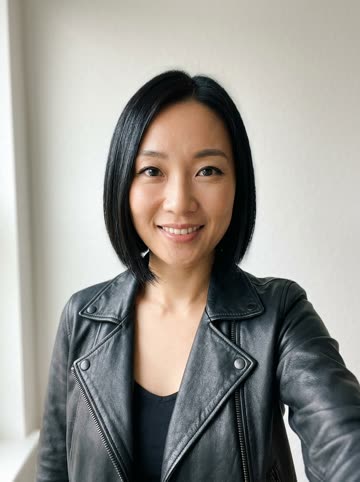
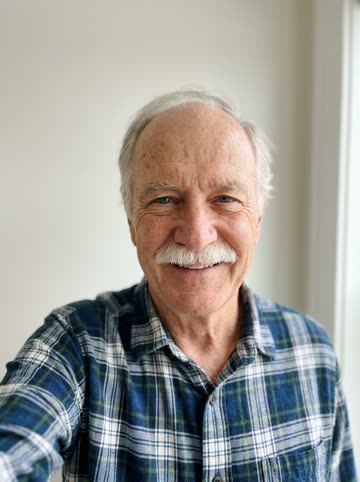
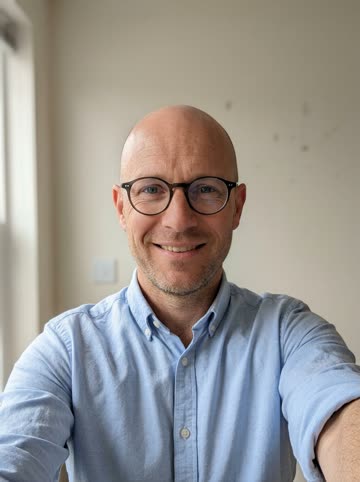
Best results: one face per photo, looking at the camera, soft light. You don't need to be in the same place.

2Pick a stage
3Model & length
24/120

One standard song is 10 credits. Single song $9.99 ยท plans from $29.90/mo.

HD downloadFailed videos are refundedCredit packs never expire

What an AI music video actually is now

A music video used to be the most expensive minute in pop: a crew, a location, a colorist, a week of edits. The AI music video generator collapses all of that into two uploads and a topic. What comes out is not a face swap looping over a beat โ€” it's a staged performance: your faces on a built set, performing a song that was written and produced for the clip.

The set matters as much as the song. Six stages set the genre before a single bar lands โ€” a neon club reads as a debut single, a marble lobby reads as a luxury flex, a night rooftop reads as the emotional second track. Pick the room that matches the story you're telling and the same two faces become a different act.

Because the whole track is generated, the video is genuinely yours: post it, series it, put it in a pitch. Start smaller with a single verse on the AI rapper page, make it a contest with the AI rap battle generator, or let the household mascot headline with a pet rap video. They all run on the same two uploads โ€” the stage and the song are what change.

Step by step

Make an AI music video in four steps

1

Upload two faces

One selfie per performer, or one group photo with both faces visible.

2

Keep the Neon Studio stage

It's selected by default โ€” club lights and first-single energy. Marble lobby, rooftop, alley and party are one tap away.

3

Give the song a topic

The lyrics are written around it: a launch, an anniversary, an inside joke with a hook.

4

Render and post

The finished video lands in My Videos in HD, vertical and watermark-free.

Roll the cameras

Make my music video
Why here

Why make your music video here

A staged performance

Faces on a built set with camera moves โ€” a video, not a filter loop.

The song is written for you

Lyrics, vocals and beat generated around your topic. No borrowed track, no muted posts.

Six stages, six genres

Same faces, different rooms โ€” club, lobby, rooftop, alley, studio, house party.

Crew not required

No filming day, no editing app. Two photos and a topic do the whole production.

Made with AI Rap Video

AI music video examples

Same two uploads, different productions. Tap a clip to load its stage and topic into the generator.

Tap a clip to load its scene and topic into the generator above. Faces in these examples are AI-generated, fictional people.

FAQ

AI Music Video Generator questions

What's the difference between this and the AI rapper video?

The rapper page is a single verse on a stage โ€” the fast format. The music video generator is the full production: a staged set, camera movement and a complete performance built around your topic. Same uploads, bigger scope.

How many photos does a music video need?

One clear, front-facing selfie per performer โ€” or a single group photo with two clearly visible faces. The photos can be taken years apart in different countries; the model stages them together.

Can I pick the set and the song style?

You pick the stage โ€” six rooms, each with its own genre energy โ€” and set the song's content with your topic. The lyrics, vocal delivery and beat are generated to match both.

How long is the finished video?

The standard render is 12 seconds in vertical 9:16, with longer options in the spec dialog. It downloads in watermark-free HD, ready for TikTok, Reels and Shorts.

Can I use the video commercially?

The song is original and the faces are yours (or used with permission), so team launches, event screens and client posts are fair game. Just don't use photos of people who didn't agree to it.

What if the first render misses the vibe?

Every render is generated fresh, so a second run gives you a different take on the same brief. Each render uses credits, and failed generations are refunded automatically.

Your music video doesn't need a crew

Two selfies, one topic, six stages to pick from. The whole production runs in your browser.